
Does the Solis Ventus Require Menu Diving?
Solis Ventus: A Closer Look at the Interface
There’s a conversation happening in guitar forums and Reddit threads that we’ve been following with genuine interest. The Solis Ventus has sparked plenty of discussion—some wonderfully enthusiastic, and some a little misguided. One particular notion keeps surfacing: that the Solis Ventus requires excessive menu navigation to get basic sounds. We’d like to gently offer a different perspective, grounded in what the user manual actually describes.
Let’s walk through it together.
Preset Mode and Stompbox Mode
One common assumption is that navigating the Solis Ventus means scrolling through menus just to turn effects on or off. The user manual paints a very different picture.
The Solis Ventus operates in two distinct modes: Preset Mode and Stompbox Mode. These two modes aren’t restrictions; the manual explicitly notes that they “are not strictly exclusive, i.e choosing one over the other will not lock you out of any functionalities or features, they just offer different priorities”.
In Stompbox Mode, footswitch A/Y and footswitch B/X control DSP Y and DSP X individually—just like two standalone stompboxes. This mode prioritizes instant, tactile on/off control over each effect engine. No menus required.
In Preset Mode, the footswitches recall patches (A, B, or C). You get three presets per bank, with up to 96 presets total across 32 banks. Even in this mode, you can still toggle individual DSPs on and off by holding the Mix button for two seconds. The manual also offers a practical suggestion: “Configure the pedal to operate in Stompbox Mode and use either an Aux switch or MIDI controller for seamless preset change”.
Whether you prefer the structured recall of presets or the raw immediacy of stompbox-style operation, the Solis Ventus accommodates your workflow from the very first power-up.
Controls on the Top Panel
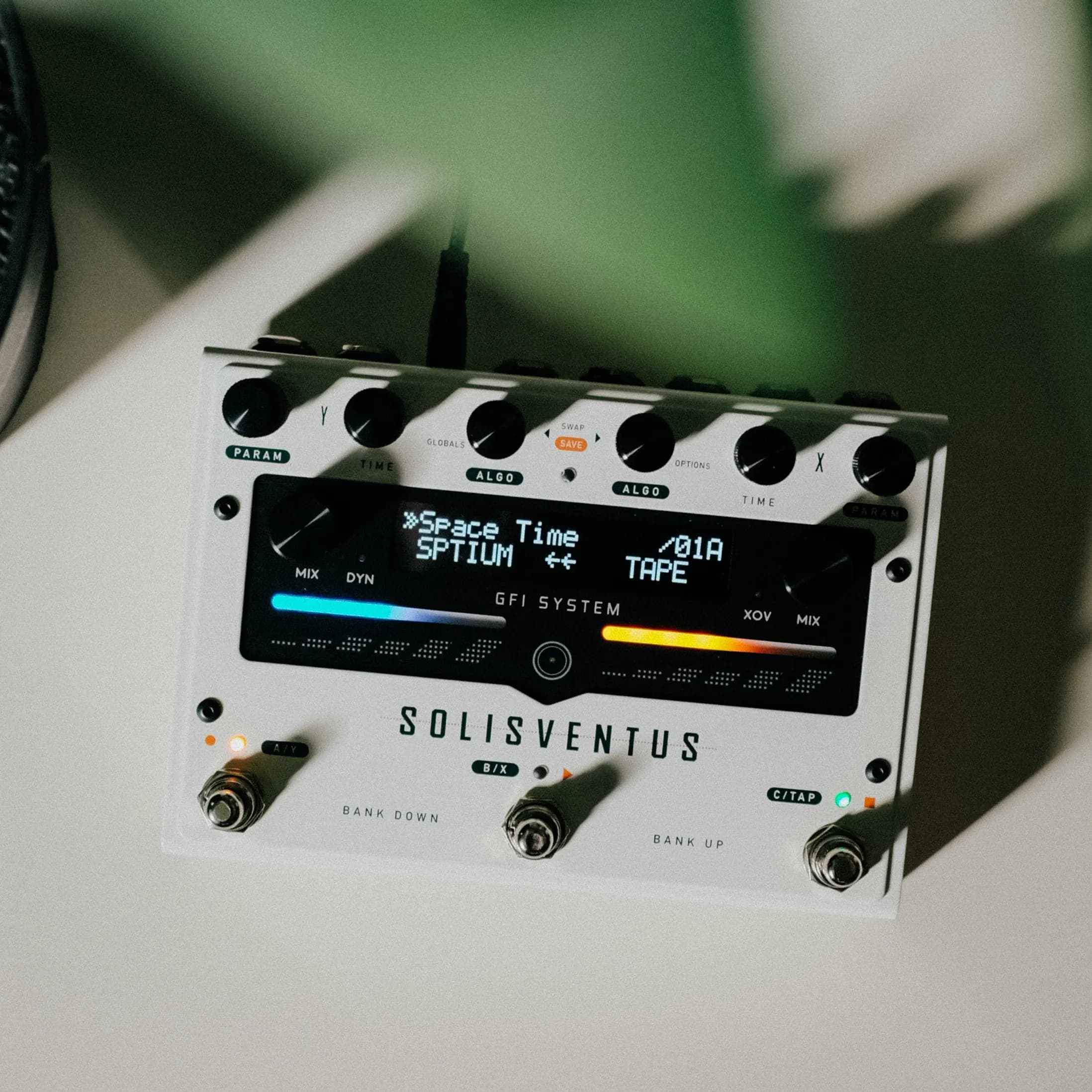
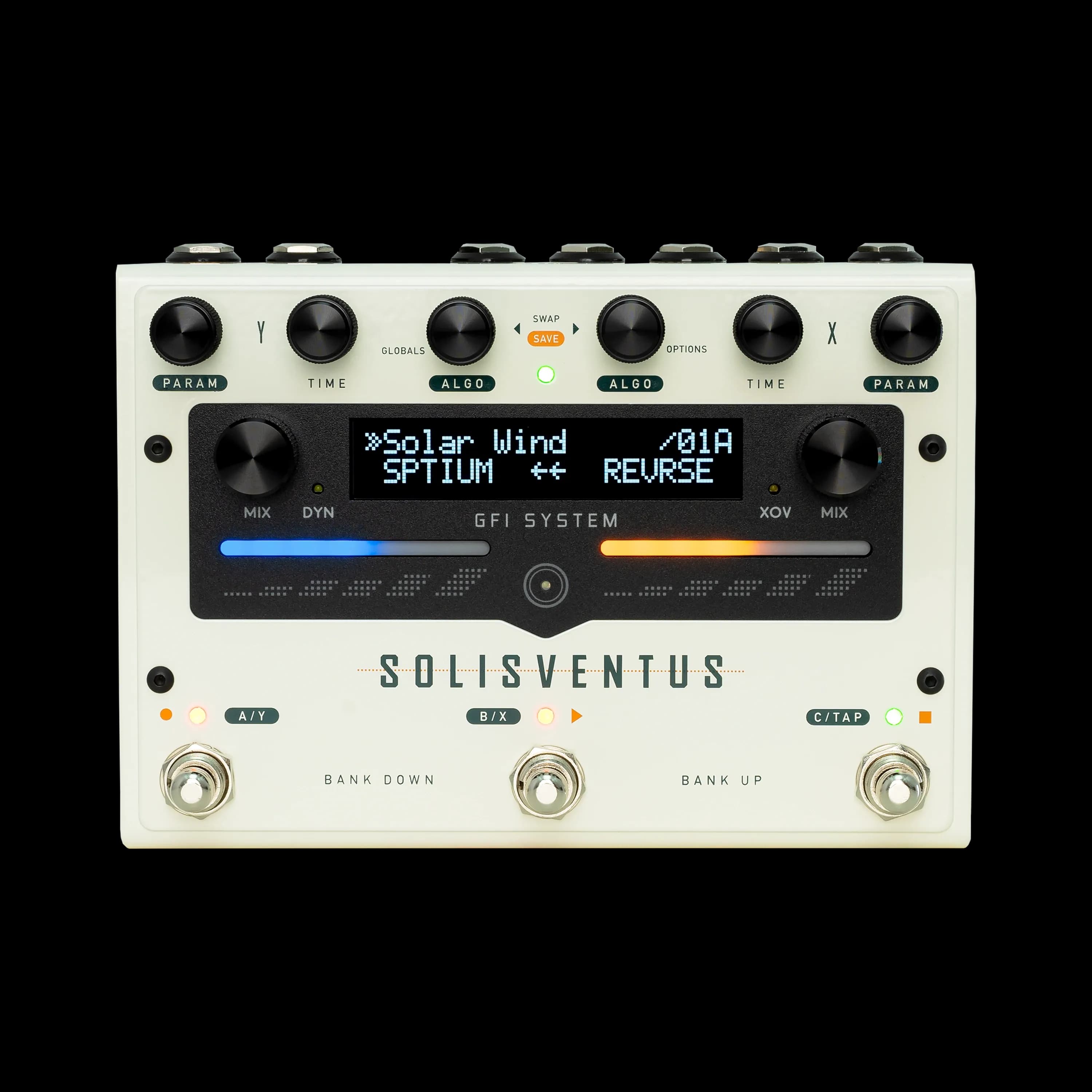
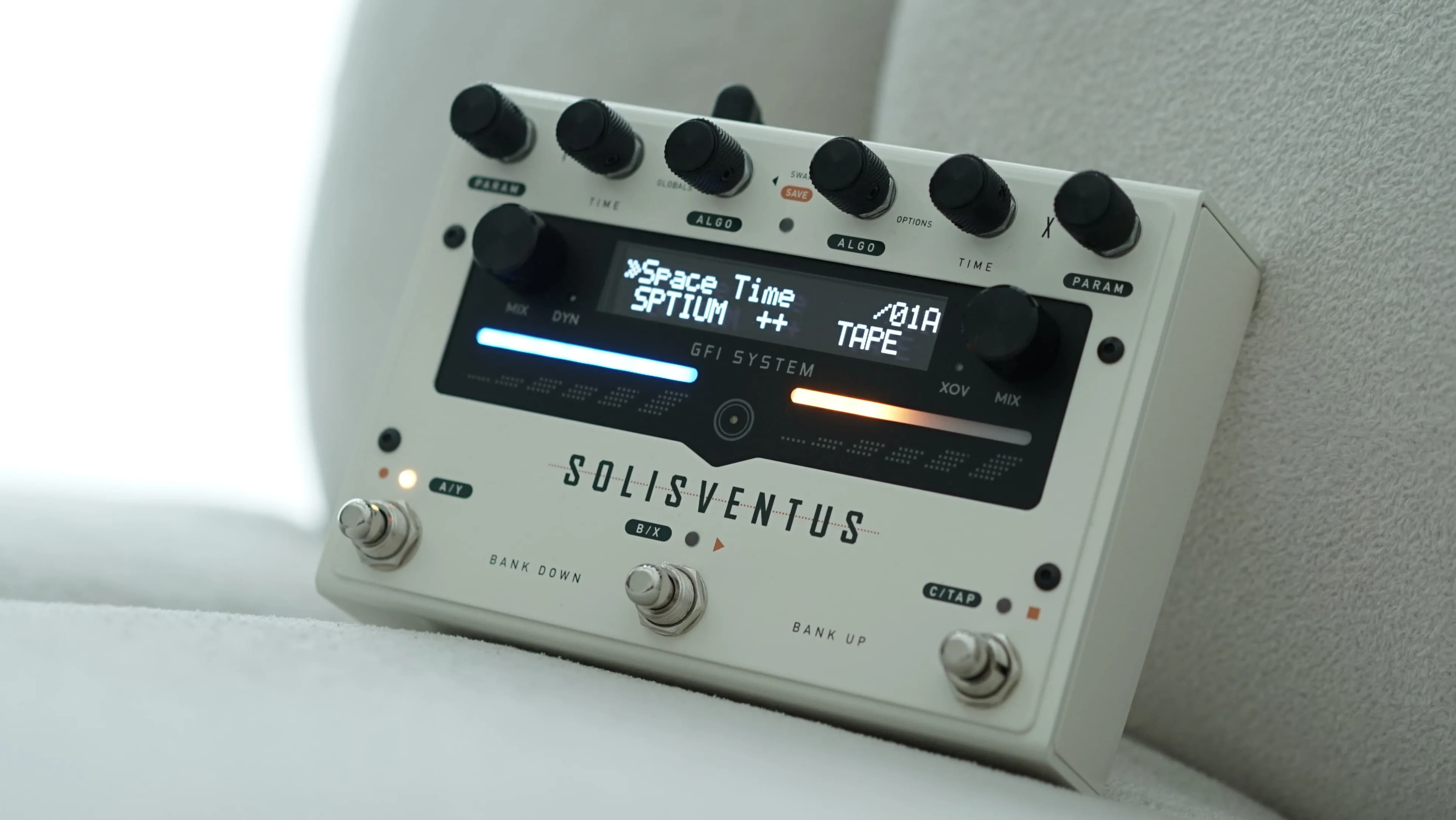
Another concern we see is that the interface relies too heavily on the screen. Let’s look at what’s actually on the top panel.
Each DSP engine (X and Y) has its own dedicated ALGO Selector knob, TIME knob, PARAM knob, and MIX knob. The ALGO Selector knob doubles as a button—tap it to cycle between Delay and Reverb, or hold it for two seconds to enter the Options menu. Similarly, the TIME and MIX knobs also function as buttons with their own shortcuts.
Each algorithm offers up to eight unique parameters, all accessible through a single PARAM knob per engine. The PARAM knob combines turns and button presses to navigate and adjust values. For those who enjoy tactile sliders, the two touch sliders mirror the functionality of the MIX knobs and can be used interchangeably.
This design places the most essential controls right at your fingertips. Shortcuts and deeper options exist when you need them, but the core experience remains immediate and knob-driven.
Using External Switches and MIDI
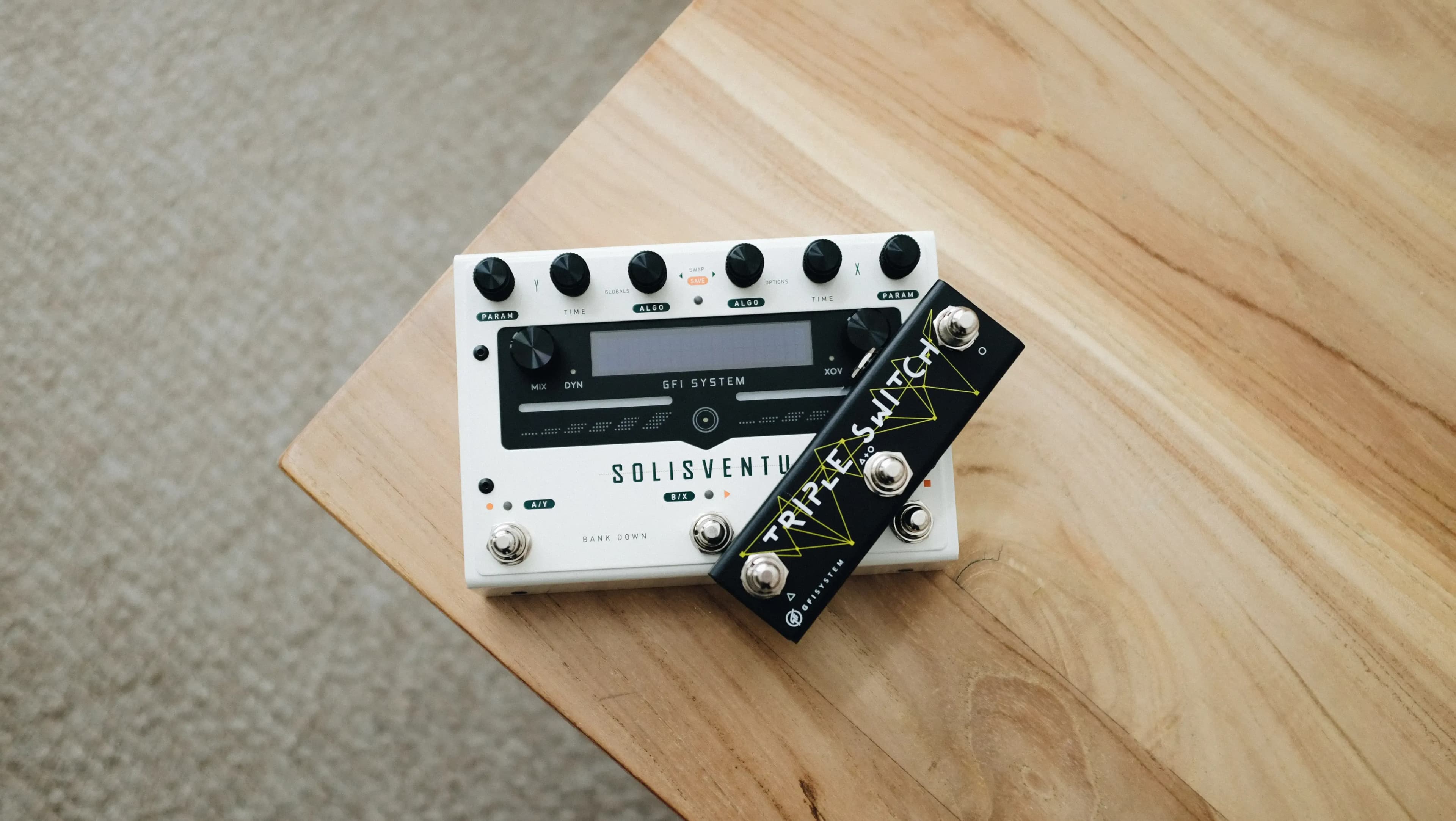
For players who want even more hands-on interaction, the Solis Ventus offers multiple external control options. Auxiliary switches handle Bank Up, Bank Down, Next Patch, Prev Patch, Tap Tempo, DSP On/Off, and even Instant Auto-ramp. Expression pedals and control voltage inputs are also fully supported.
MIDI compatibility opens up another layer of performance-friendly control—any standard MIDI controller sending Program Change or Control Change messages can remotely recall presets or adjust parameters. These options give you real-time, expressive control that goes far beyond what any menu system could offer.
How the Interface Supports Different Players
We understand why some players might look at a pedal with this much depth and assume it requires significant menu navigation. It’s a completely natural reaction. However, the Solis Ventus was designed around a clear principle: depth and immediacy can coexist.
The manual doesn’t describe a pedal that forces you into menus. Instead, it describes a pedal that gives you choices—choices about how you interact with it, how you organize your sounds, and how much control you want at any given moment.
Whether you’re a player who wants to dial in a quick reverb and get back to playing, or a sound designer who wants to explore every parameter and routing possibility, the Solis Ventus meets you where you are.
Summing It Up
We hope this walkthrough offers a fresh perspective. The Solis Ventus invites you to engage with it on your own terms—through knobs, sliders, footswitches, external controllers, or menus, depending on what you need in the moment.
The next time you see a forum thread questioning the interface, we’d encourage you to share your experience. After all, the best way to understand any pedal is simply to play it and discover how intuitive it really is.
Best,
GFI System team
In this article
Newsletter Subscription
Subscribe for the latest news and updates on new pedals, restocks, voucher code and more.