
This update procedure requires a factory reset which will erase the presets stored in your pedal. To avoid losing your presets you can first save your presets as 'Local Preset' in your computer and later restore it back to your pedal. Do that before you perform the update steps below.
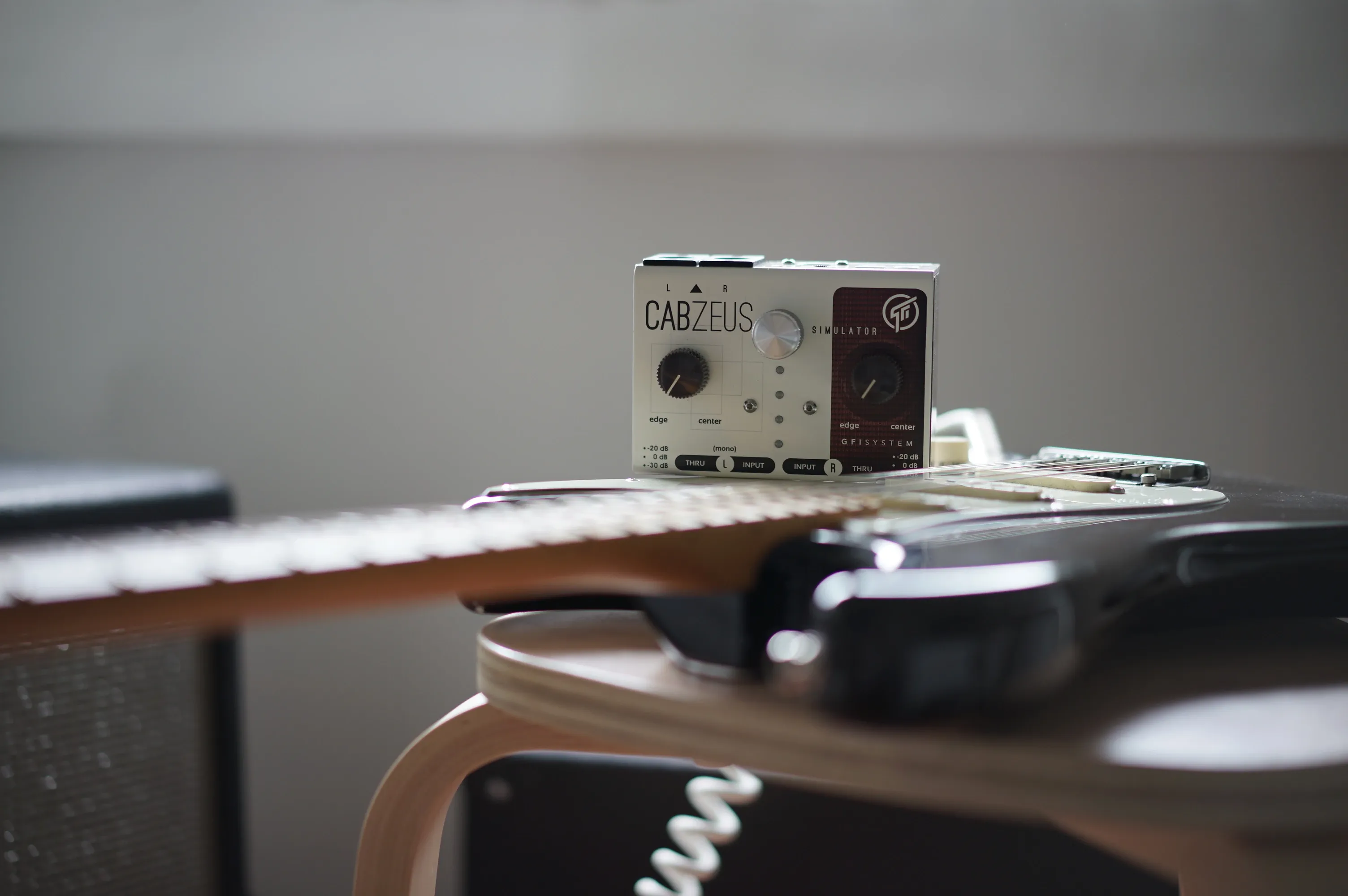
Cabzeus
Attention
| File Name | Version Date | Notes | Download |
|---|---|---|---|
| Cabzeus User Manual (EN) - v2.0.x | Apr 01, 2023 | No notes. |
Update Procedure
1. Download and install editor software CabsLab 2.0.0 (or higher).
2. Download firmware v.2.2
Mac : don't use the Safari browser, use Chrome or Firefox instead.
Windows : do not use the Edge or Internet Explorer browser, use Chrome of Firefox instead.
3. Do Firmware Update :
- Hold down the preset selector knob on power up. Release when both LED 1 and 4 light up.
- Connect the pedal to your computer and start CabsLab.
- When prompted, browse for the firmware file you've just downloaded and start the update.
4. Do Factory Reset
- Menu >> Factory Reset.
(If you encountered errors at this step, reboot the pedal and try again).
5. Reboot the pedal - DONE.
Newsletter Subscription
Subscribe for the latest news and updates on new pedals, restocks, voucher code and more.