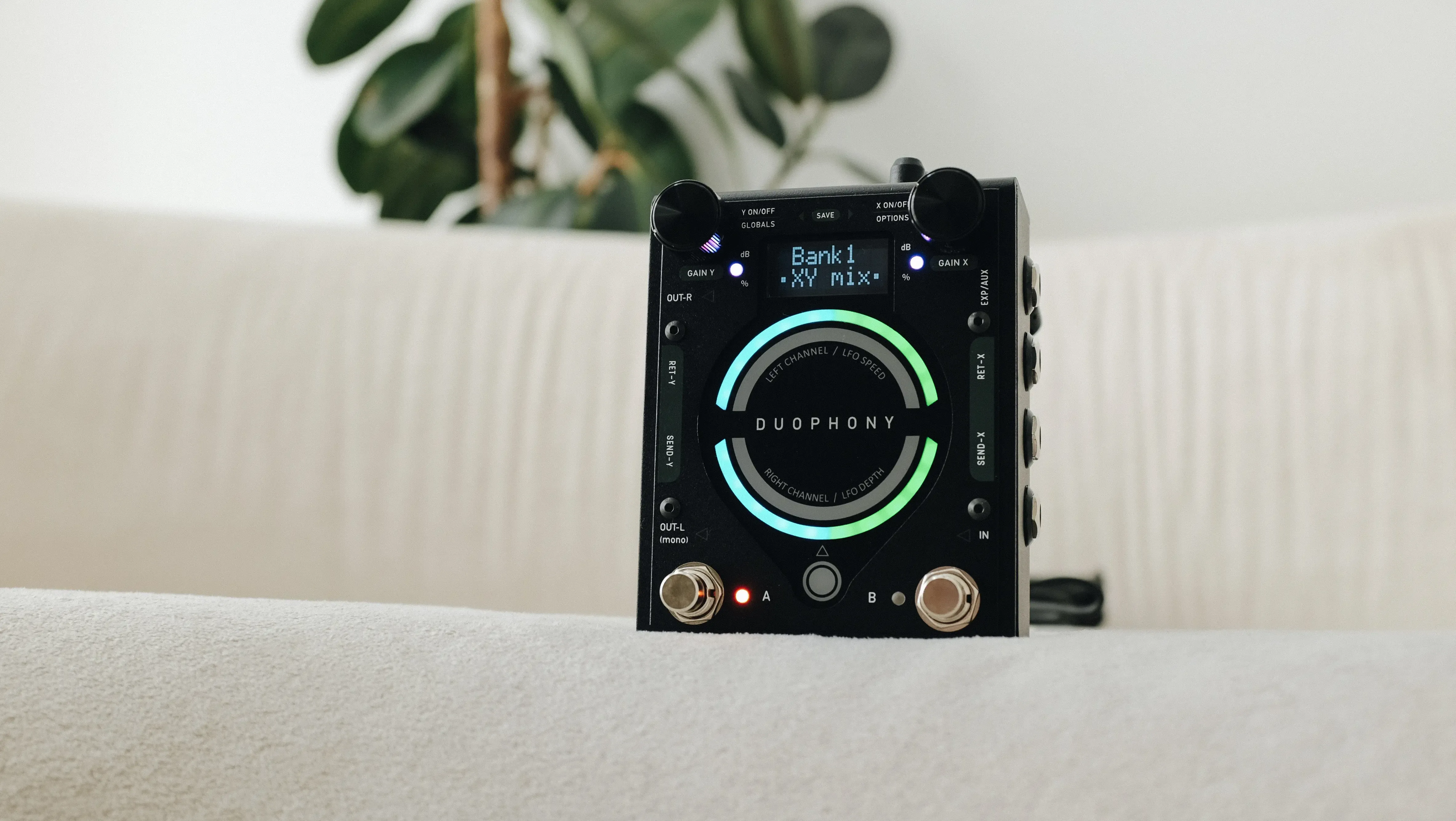
Duophony
| File Name | Version Date | Notes | Download |
|---|
| Duophony User Manual - Rev D | Feb 08, 2023 | No notes. | |
Update Procedure
- Download and install the Device Firmware Updater (DFU) software.
- Download the latest firmware file. Place the file in a folder that has only latin (abc...) characters in its directory path.
- Begin with the pedal powered down, and the Device Firmware Updater software on your computer closed.
- Apply power to the pedal while holding down both footswitches. Release when the display reads "FIRMWARE UPDATE".
- Click the "Load Firmware" button.
- Browse your computer for the firmware file you have just downloaded.
- Run the update.
2.2.5
Improved MIDI reception handling.
Oct 22, 2026
Fixed an issue where wet level adjustment are forgotten if loops are toggled on and off.
2.2.4
Fixed the intermittent unresponsive mix control.
Feb 09, 2026
2.2.3
Fixed the intermittent lock up issue when adjusting the mix setting for a single channel.
Jan 24, 2022
Fixed the lack of display update when adjusting only the R channel mix setting.
Duophony
| File Name | Version Date | Notes | Download |
|---|
| Duophony User Manual - Rev D | Feb 08, 2023 | No notes. | |
Update Procedure
- Download and install the Device Firmware Updater (DFU) software.
- Download the latest firmware file. Place the file in a folder that has only latin (abc...) characters in its directory path.
- Begin with the pedal powered down, and the Device Firmware Updater software on your computer closed.
- Apply power to the pedal while holding down both footswitches. Release when the display reads "FIRMWARE UPDATE".
- Click the "Load Firmware" button.
- Browse your computer for the firmware file you have just downloaded.
- Run the update.
2.2.5
Improved MIDI reception handling.
Oct 22, 2026
Fixed an issue where wet level adjustment are forgotten if loops are toggled on and off.
2.2.4
Fixed the intermittent unresponsive mix control.
Feb 09, 2026
2.2.3
Fixed the intermittent lock up issue when adjusting the mix setting for a single channel.
Jan 24, 2022
Fixed the lack of display update when adjusting only the R channel mix setting.
Newsletter Subscription
Subscribe for the latest news and updates on new pedals, restocks, voucher code and more.
Newsletter Subscription
Subscribe for the latest news and updates on new pedals, restocks, voucher code and more.
Newsletter Subscription
Subscribe for the latest news and updates on new pedals, restocks, voucher code and more.
Join our Newsletter
Subscribe for the latest news on pedals, restocks, and updates.
Join our Newsletter
Subscribe for the latest news on pedals, restocks, and updates.
We use cookies
Apart from essential cookies for login and cart, we use cookies to understand how the site is used and to measure our marketing. Privacy Policy
We use cookies
Apart from essential cookies for login and cart, we use cookies to understand how the site is used and to measure our marketing. Privacy Policy