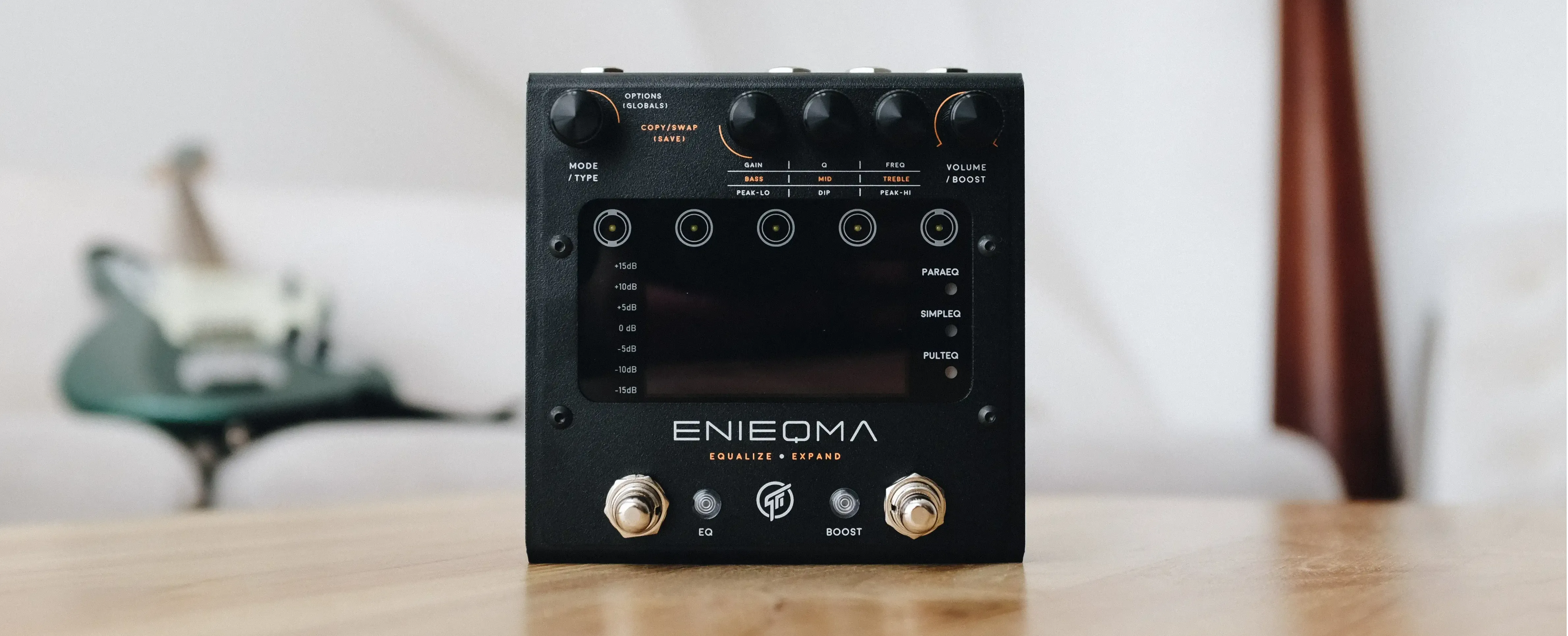
Hold both EQ and Boost footswitches and plug in power. The screen should show firmware update mode.
Connect the pedal to your computer with a USB cable.
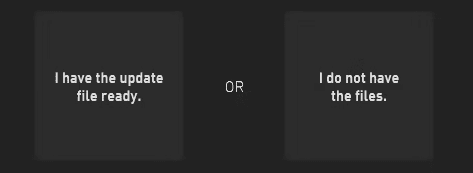
Proceed by selecting one of the two options:
If you select "I do not have the files" EnieqLab will automatically download the latest firmware file to be used in the update process.
Click “Update Now” and wait until it finishes. Don’t unplug or power off.
After the update is completed, continue with 'library update' Menu > Library update.
1.2.5
Bugs fixes.
Aug 26, 2026
1.2.4
Extended the EQ curve viewing time to 25 seconds if the home screen is configured to show preset information.
Aug 21, 2026
Bugs fixes.
1.2.3
Added the "Home Screen Display" option in globals settings menu to let users specify the prefered information to be continously displayed on the home screen ‐ EQ curve or Preset information.
Aug 20, 2026
Users are now given a chance to edit the preset title immediately following a preset save operation.
Improved MIDI reception handling robustness.
Enieqma
File Name
Version Date
Notes
Download
Enieqma Firmware Update History
Aug 26, 2026
No notes.
User Manual (rev D)
Aug 19, 2026
No notes.
MIDI Implementation
No notes.
Update Procedure
Install EnieqLab.
Turn off the pedal.
Hold both EQ and Boost footswitches and plug in power. The screen should show firmware update mode.
Connect the pedal to your computer with a USB cable.
Proceed by selecting one of the two options:
If you select "I do not have the files" EnieqLab will automatically download the latest firmware file to be used in the update process.
Click “Update Now” and wait until it finishes. Don’t unplug or power off.
After the update is completed, continue with 'library update' Menu > Library update.
1.2.5
Bugs fixes.
Aug 26, 2026
1.2.4
Extended the EQ curve viewing time to 25 seconds if the home screen is configured to show preset information.
Aug 21, 2026
Bugs fixes.
1.2.3
Added the "Home Screen Display" option in globals settings menu to let users specify the prefered information to be continously displayed on the home screen ‐ EQ curve or Preset information.
Aug 20, 2026
Users are now given a chance to edit the preset title immediately following a preset save operation.
Improved MIDI reception handling robustness.
Newsletter Subscription
Subscribe for the latest news and updates on new pedals, restocks, voucher code and more.
Newsletter Subscription
Subscribe for the latest news and updates on new pedals, restocks, voucher code and more.
Newsletter Subscription
Subscribe for the latest news and updates on new pedals, restocks, voucher code and more.
Join our Newsletter
Subscribe for the latest news on pedals, restocks, and updates.
Join our Newsletter
Subscribe for the latest news on pedals, restocks, and updates.
We use cookies
Apart from essential cookies for login and cart, we use cookies to understand how the site is used and to measure our marketing. Privacy Policy
We use cookies
Apart from essential cookies for login and cart, we use cookies to understand how the site is used and to measure our marketing. Privacy Policy