
Firmware v1.8.0 or newer requires SV Studio Editor 1.6.0 or newer. Using this firmware with older versions of SV Studio is not supported and may cause unexpected issues. For in-depth information on this update, please see the firmware v1.8.0 release note on the Docs tab on this page.
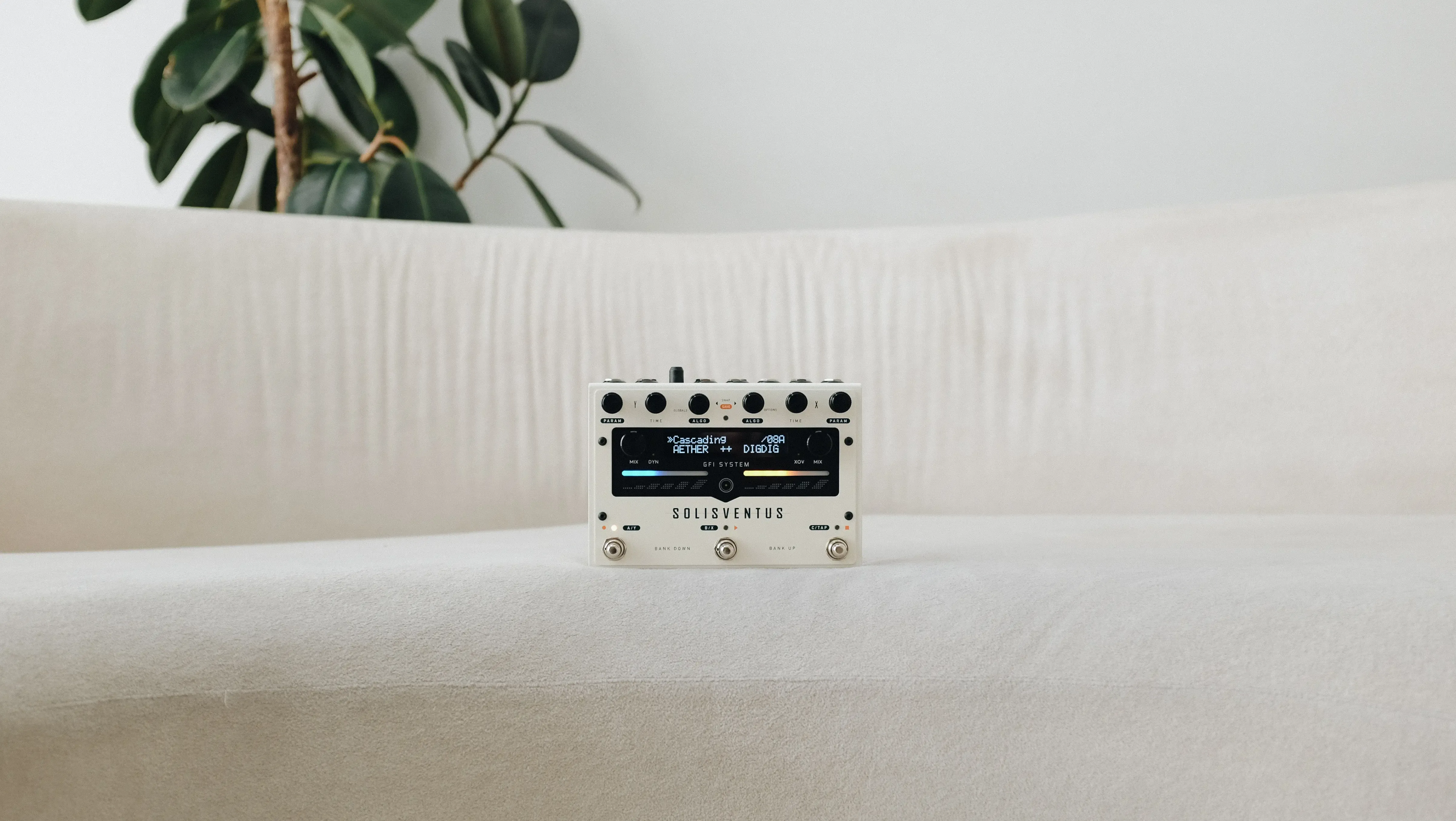
Solis Ventus
Attention
| File Name | Version Date | Notes | Download |
|---|---|---|---|
| Solis Ventus Firmware Update History | Sep 20, 2026 | No notes. | |
| User Manual (Rev. N) | Sep 16, 2026 | No notes. | |
| User Manual (Rev. M) | Sep 09, 2026 | No notes. | |
| User Manual (Rev. K) | Jul 20, 2026 | No notes. | |
| User Manual (Rev. J) | Mar 17, 2026 | No notes. | |
| Firmware v1.8.0 Release Note | Mar 04, 2026 | No notes. | |
| User Manual (rev. I) | Mar 04, 2026 | No notes. | |
| MIDI Implementation (rev. F) | Mar 04, 2026 | No notes. | |
| Algorithm Reference (rev. D) | May 01, 2025 | No notes. |
Update Procedure
- Install SV Studio.
- Turn off the pedal.
- Hold both A & C footswitches and plug in power. The screen should show firmware update mode.
- Connect the pedal to your computer with a USB cable.
- Open SV Studio, press Connect, then click “Browse firmware file” and select the .fdt file.
- Click “Update Now” and wait until it finishes. Don’t unplug or power off.
- When done, unplug everything and power on the pedal normally.
Handling Error Events during firmware update.
Should you encounter an error event (very rare) during a firmware update, the recommended course of action is to simply repeat the update process again.
- Power down the pedal.
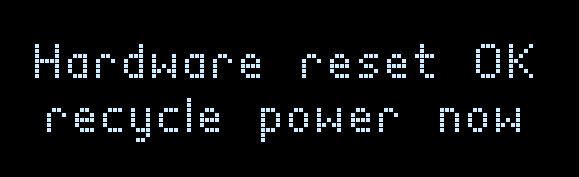
- Re-apply power to the pedal. While the center LED is still blinking press and hold all three footswitches. Release the hold when the screen says:
- Power down the pedal.
- Perform the firmware update again.
1.8.18
Added "Tempo Lock" option, offering greater flexibility to users who may wish to make tempo changes via Tap Tempo to delay engine whose Tempo Mode has been configured as 'Free/Preset', while still ignoring Midi Clock.
Sep 16, 2026
See the Solis Ventus User Manual rev.N (page 7) for detailed information on this new capability.
Improved the "Lowpass" mode in FILTER delay algorithm.
1.8.17
Fixed an issue with the MIDI Clock output activation.
Aug 27, 2026
1.8.16
Extended the "Display Update Inhibit" function (CC#64) to include the UI in the SV editor as well.
Aug 24, 2026
Added an option in the global settings to enable/disable "Display Update Inhibit" functions. This setting can be overidden using CC#64 command.
Fixed a bug with the looper operation.
Newsletter Subscription
Subscribe for the latest news and updates on new pedals, restocks, voucher code and more.