
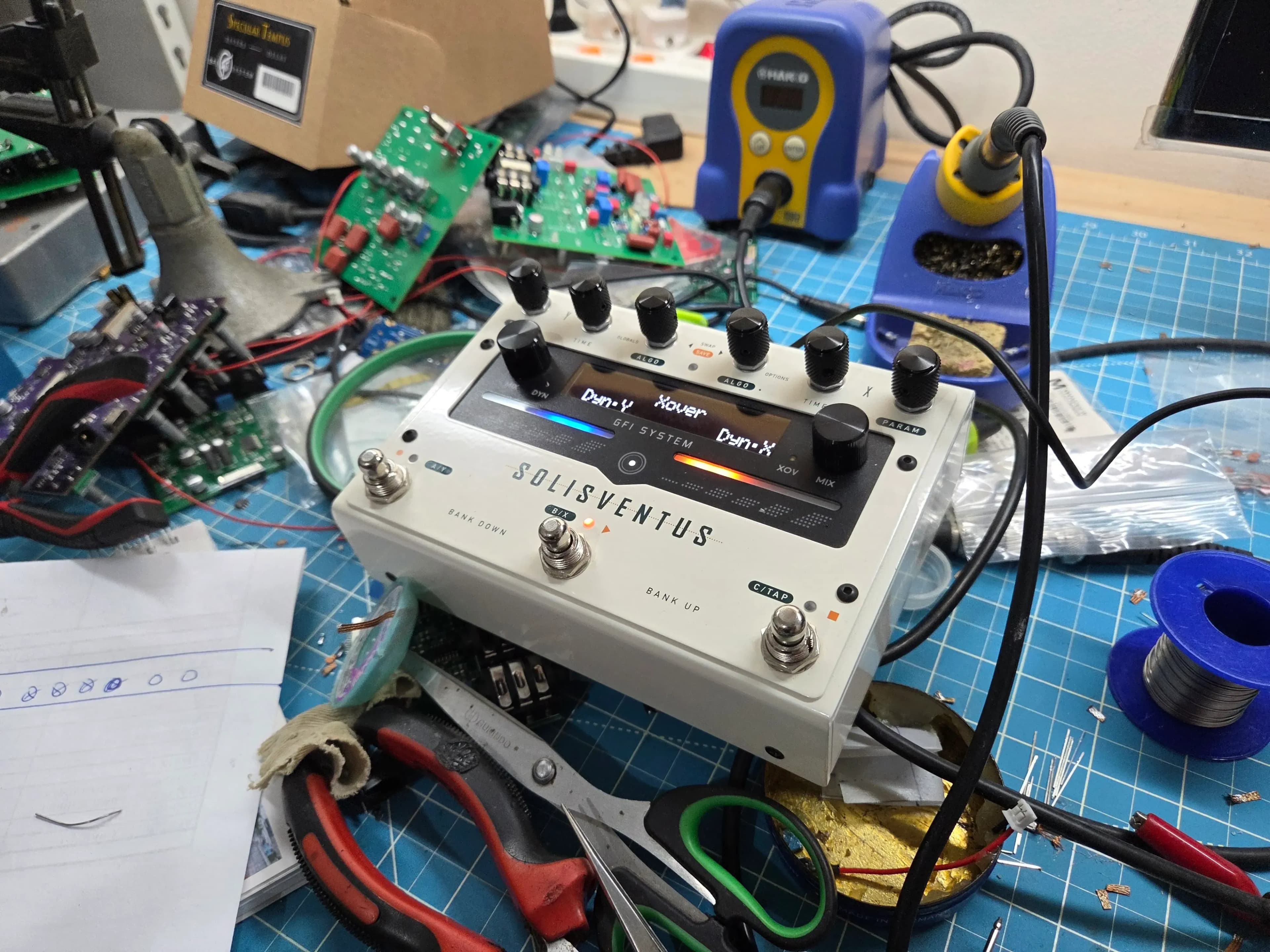
Ducking and Gating Any Delay or Reverb on the Solis Ventus
Big delays and lush reverbs sound amazing until they start getting in the way of your playing. Two classic tricks fix that: ducking and gating.
- A ducking delay or reverb turns the effect down while you're playing busy phrases, then brings it back up when you stop.
- A gated delay or reverb cuts the effect off fairly abruptly once your signal stops.
These usually come as their own effect: a "ducking delay" or a "gated reverb". The Solis Ventus takes a more encompassing approach.
A Dynamics engine for each DSP
Instead of a few special ducking or gated algorithms, the Solis Ventus has an independent Dynamics engine after each of its two DSPs. Dynamics X follows DSP X, and Dynamics Y follows DSP Y.
That means ducking or gating works with any delay or reverb algorithm on the pedal: Tape, Analog, Shimmer, Spatium, Spring, and the rest.
Because there are two Dynamics engines, each side is set up on its own. A few ideas:
- Duck the delay on one engine so your phrases stay clear, while the reverb on the other engine stays fully open.
- Gate a big reverb so it stops dead between chords, while the delay on the other engine keeps trailing naturally.
- Use the Ducker on both engines for a mix that clears out whenever you dig in.
The controls
Each Dynamics engine has the same menu:
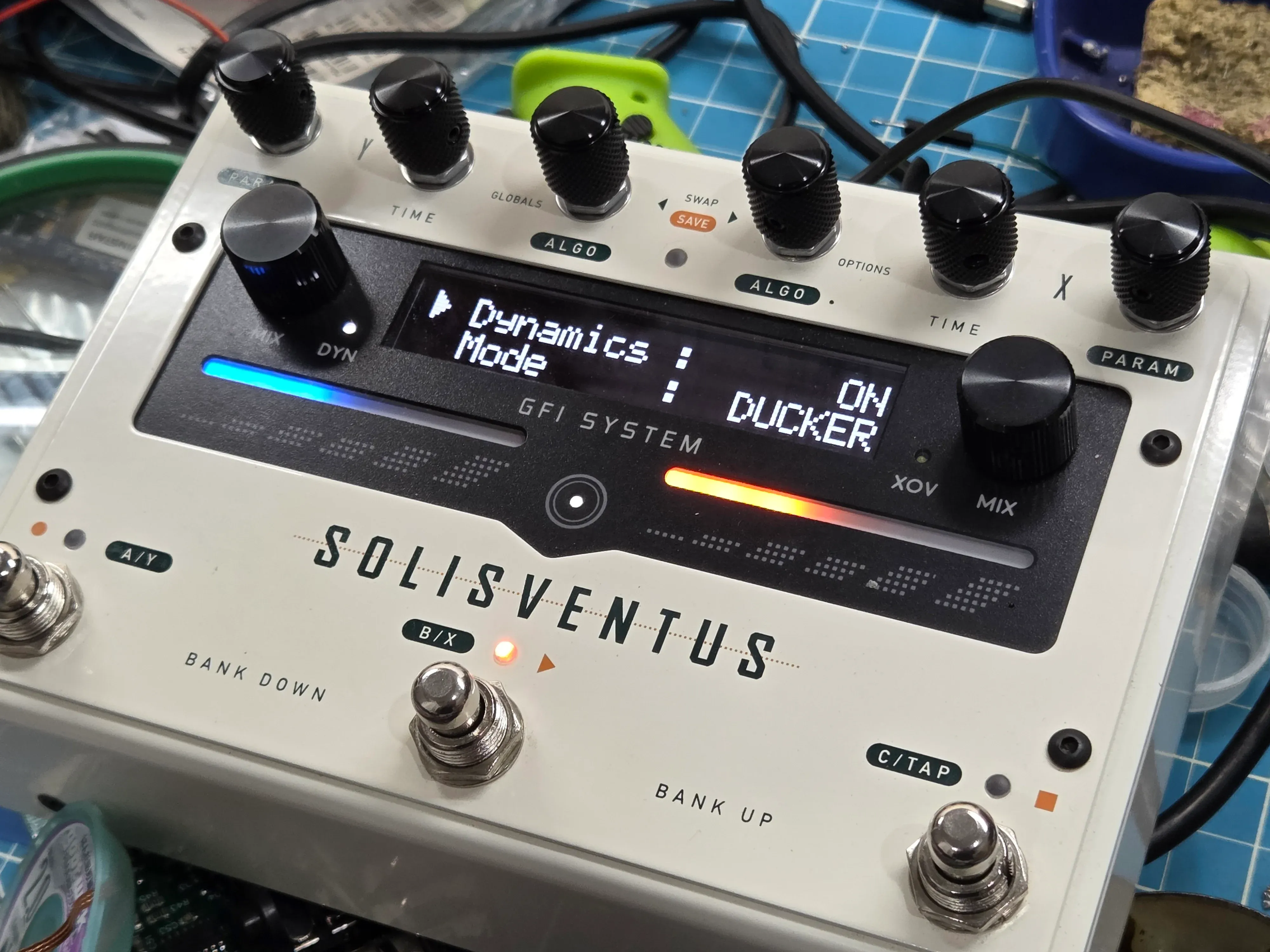
- Dynamics: On / Off
- Mode: Ducker / Gate
- Attack: 1 ms to 30 ms
- Release: 100 ms to 620 ms
- Threshold: -10 dB to -44 dB
- Intensity: 0% to 100%
How to set it up
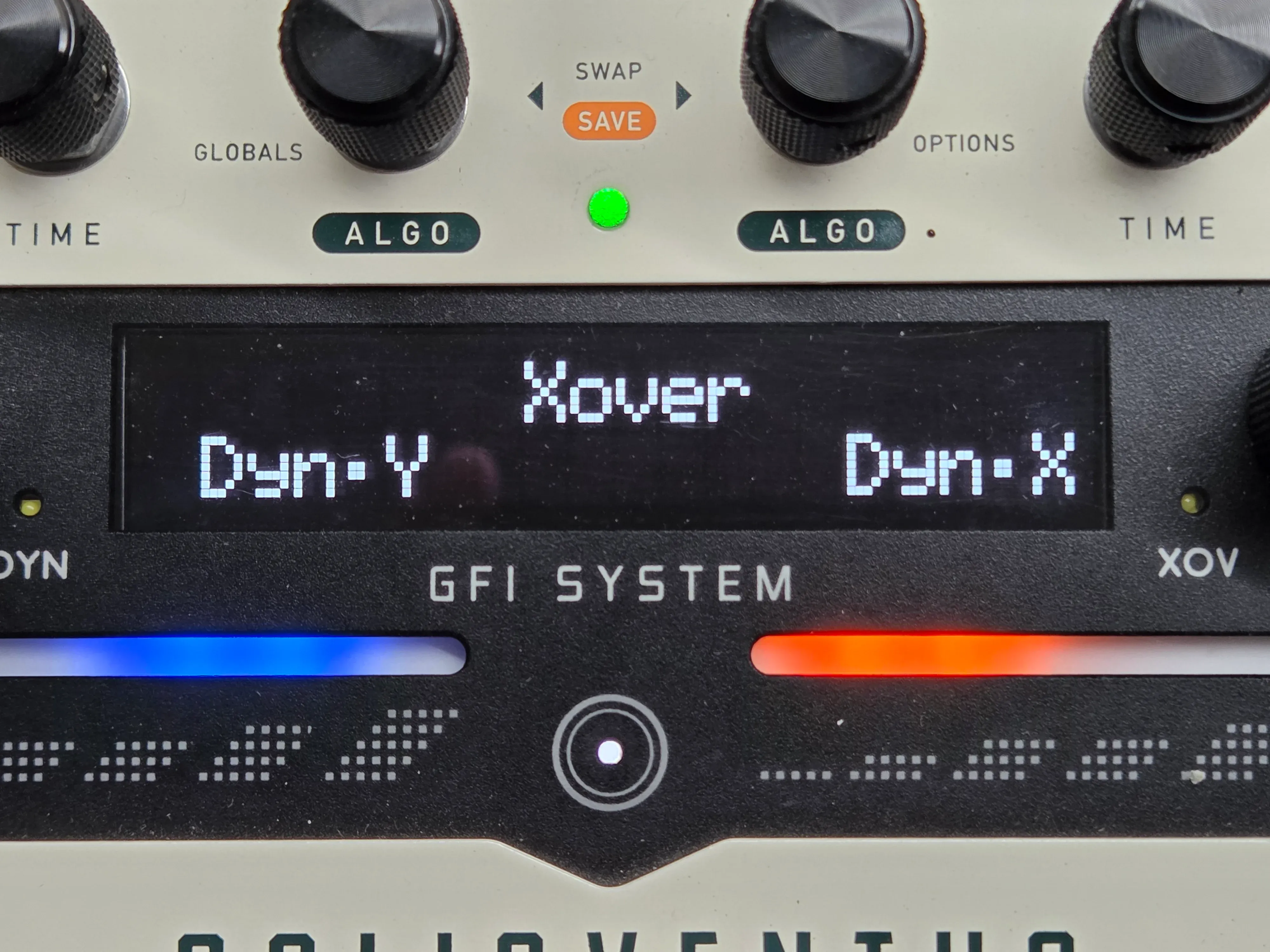
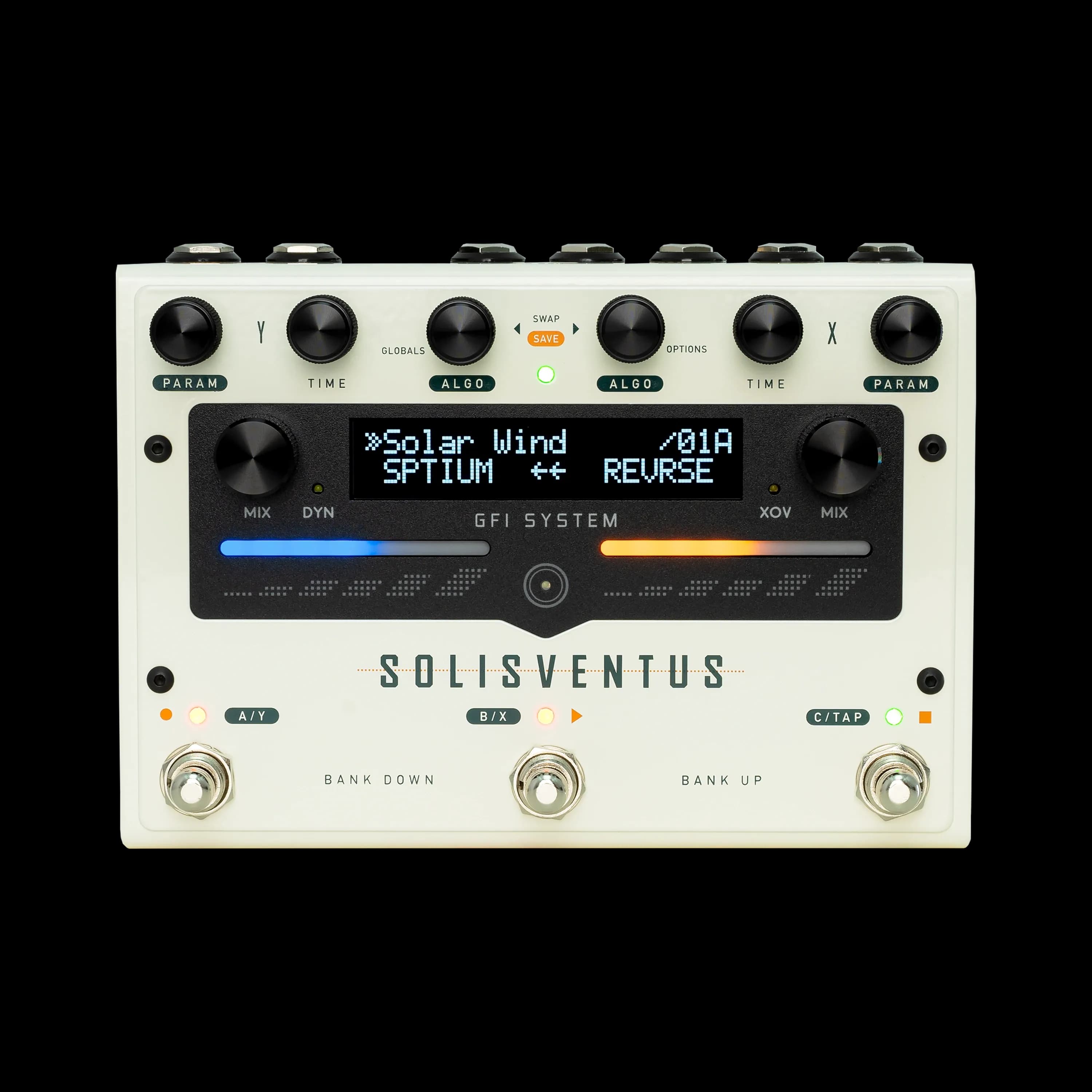
- Tap the round touch button in the center, below the display. This opens the Crossover/Dynamics selection screen, showing Xover at the top, Dyn.Y on the left and Dyn.X on the right.
- Tap the left touch slider to edit Dynamics Y, or the right touch slider to edit Dynamics X.
- Move through the menu and change values with the two ALGO knobs.
- Tap the touch button to exit.
To keep your settings, save the preset: hold both ALGO knobs for 2 seconds, choose a bank, then press the footswitch for the patch you want to save to.
Which one is on?
When either Dynamics engine is active, the DYN LED next to the left MIX knob lights up.
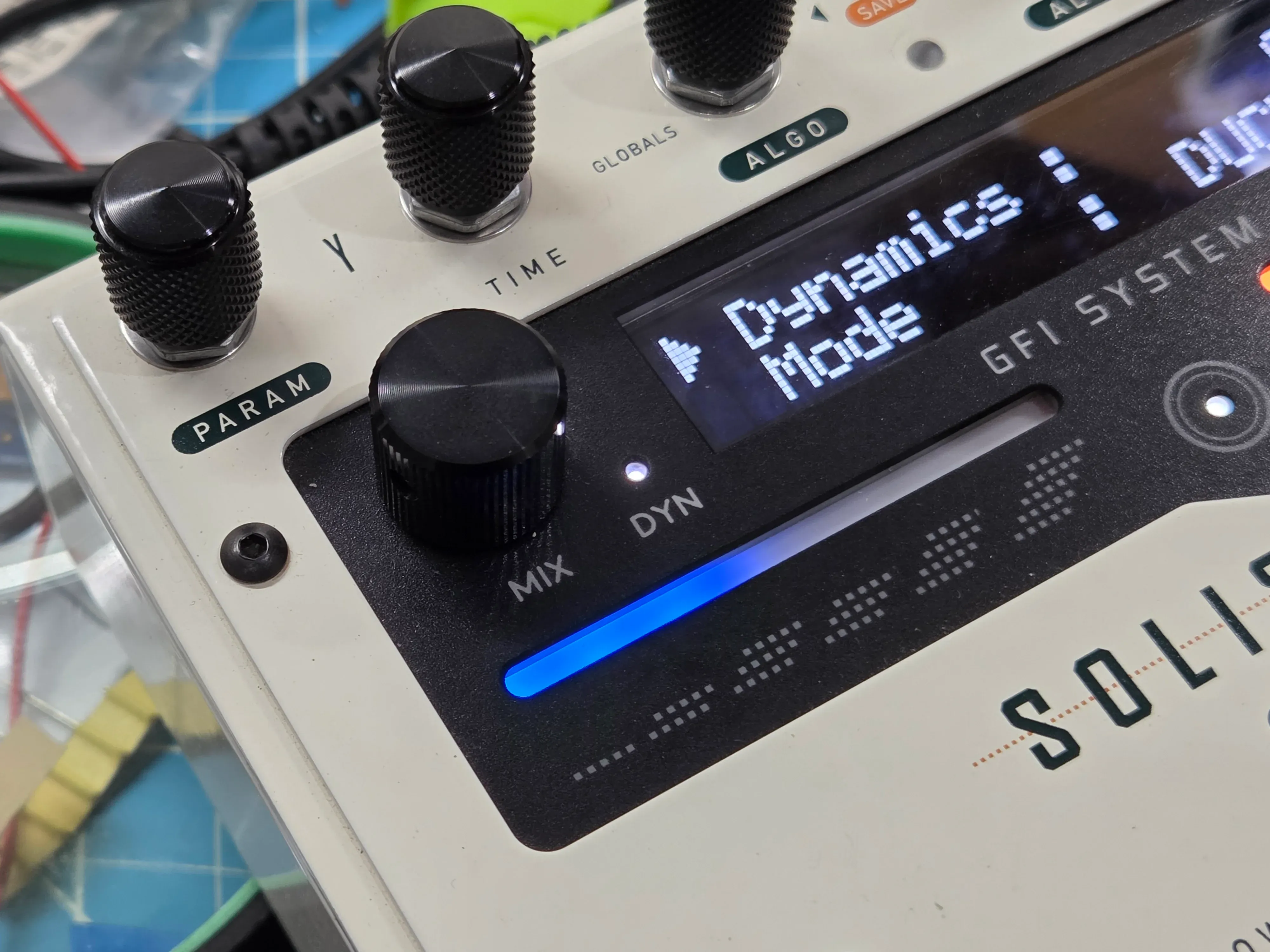
There's only one LED for both engines, so to see which one is on, tap the touch button to open the selection screen. A check mark next to Dyn.Y or Dyn.X shows which engine's Dynamics is active. Tap the touch button twice to leave.

Where it sits in the signal chain
On every routing (Series, Parallel or Dual Mono), each path runs: input, optional Crossover filter, the DSP, then its optional Dynamics engine, then the output. Crossover and Dynamics are each switched on or off independently, so you can use either, both, or neither.
Ducking and gating aren't extra algorithms on the Solis Ventus. They're a layer you can add to any sound you build.
In this post
Also read
Introducing: Artist Presets
Solis Ventus × johnmayergear exclusive Artist Presets have arrived!

Does the Solis Ventus Require Menu Diving?
A walkthrough of the user manual to address the common question about the Solis Ventus interface and controls. A tour, if you will.
Solis Ventus Algorithm FAQ
Our best take to condense all common questions regarding Solis Ventus algorithms in comparison to the Solis Ventus.
Newsletter Subscription
Subscribe for the latest news and updates on new pedals, restocks, voucher code and more.