
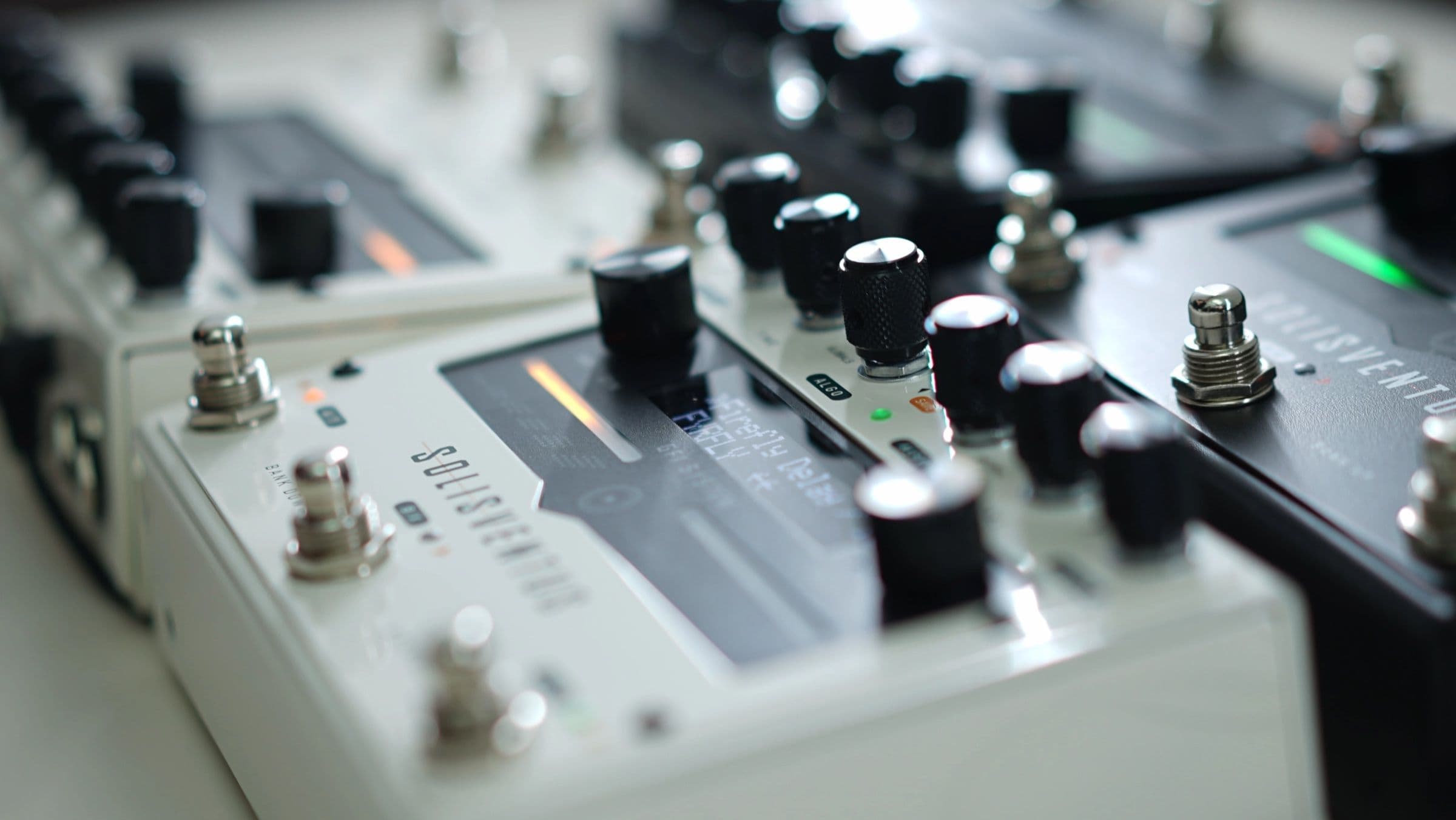
Firefly and Sweeper: Two New Delays for the Solis Ventus
The Solis Ventus gets two new delay algorithms: Firefly and Sweeper. They arrive with firmware 1.8.20.
That brings the Solis Ventus to 18 delays and 11 reverbs. Like every algorithm on the pedal, either one can run on either engine, paired with any other delay or reverb.
Firefly: a granular delay
Firefly breaks the incoming signal into granular audio elements, or grains. The grains are pitched, reversed, scattered and diffused, then played back along a normal delay.
Firefly is inspired by the "Ice" delay on the Strymon TimeLine, which slices up your playing and plays the slices back pitch-shifted.
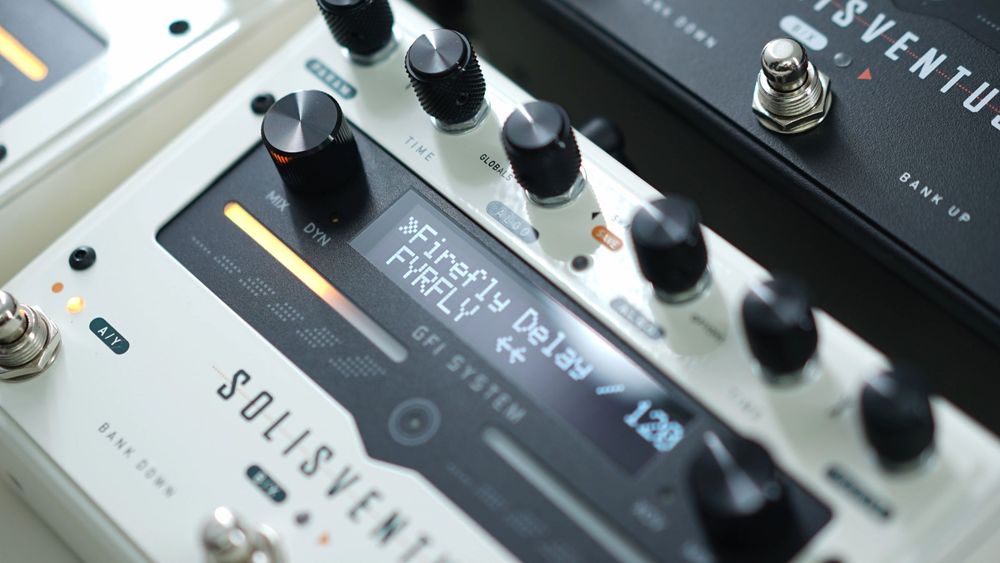
It's shown as FYRFLY on the display. TIME sets the delay time and MIX sets the wet and dry levels. The PARAM menu holds 8 parameters:
- Repeats: amount of repeats.
- Blend: the mix between the dry and the granular signal.
- Grain: grain size, Small, Medium or Large. Grain size scales with the delay time.
- Stereo Spread: the stereo spread of the granular echoes. Normal keeps the repeats mostly in the center; PingPong gives a very wide, immersive stereo field.
- Tone: tone of the repeats.
- Smear: softens the attack of the repeats, which keeps the delay out of the way of your dry signal.
- Mod Depth: amount of delay modulation.
- Mod Rate: rate of delay modulation.
Play around with Blend, Grain size and the Modulation parameters, together with generous amounts of Repeats, for deep, textured, atmospheric delays.
Firefly
Sweeper: a delay with a sweeping filter
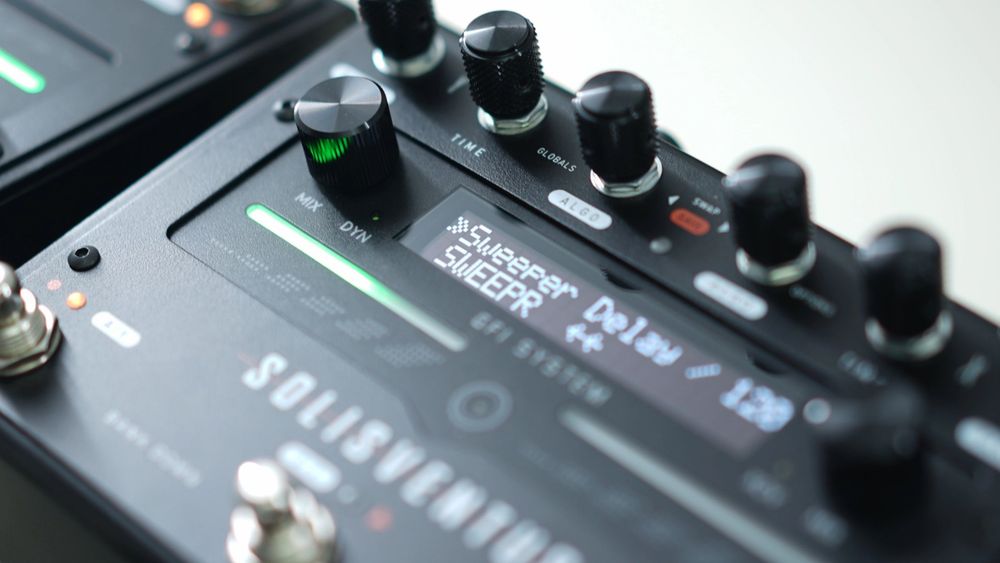
Sweeper combines a straightforward delay with a multi-mode sweeping filter. An LFO with a selectable waveform sweeps the filter's center frequency, either freely from 0.1 Hz to 10 Hz, or locked to the global tempo. The filter can sit before or after the delay.
Sweeper is inspired by the "Filter" delay on the Strymon TimeLine, a delay with a tempo-synced, LFO-driven filter that can go before or after the repeats.
If you know the Solis Ventus's Filter delay, here's the difference: Filter's sweep follows your picking dynamics or stays where you set it. Sweeper's filter is swept by an LFO, running freely or synced to the global tempo.
It's shown as SWEEPR on the display. TIME sets the delay time and MIX sets the wet and dry levels. The 8 parameters:
- Repeats: amount of repeats.
- LFO: the shape of the sweep. Triangle, Sine and Square each come in two versions: ↓ starts the sweep from the bottom of the waveform when you start playing, ↑ from the top. Then there's Ramp, Saw and Random.
- Sweep Depth: sets the amount of delay modulation.
- Sweep Rate: the lower part of the range runs freely from 0.1 Hz to 10 Hz. Past that, it locks to the global tempo, with subdivisions from 1/16 up to 16/1.
- Type: Lowpass, Bandpass or Highpass.
- Center Frequency: the filter's center frequency, 0 to 100.
- Resonance: the resonance (Q) of the filter.
- Position: Pre puts the filter before the delay, Post after it.
Sweeper
Sound samples of the other algorithms are on the Solis Ventus page.
Getting them
Firefly and Sweeper come with firmware 1.8.20. Update with SV Studio 1.6.8.
Keep exploring,
GFI System
In this post
Also read
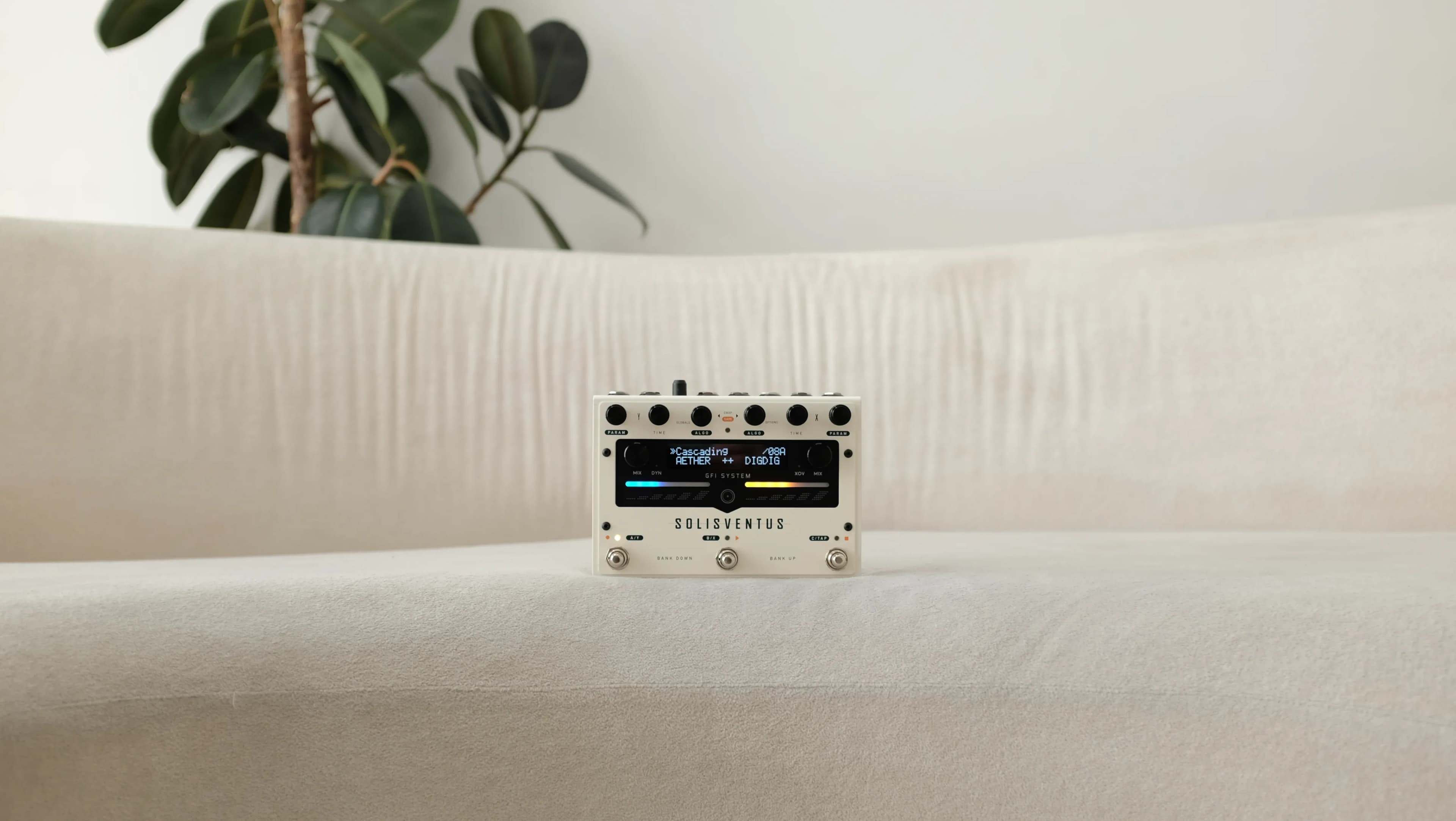
Introducing: Artist Presets
Solis Ventus × johnmayergear exclusive Artist Presets have arrived!
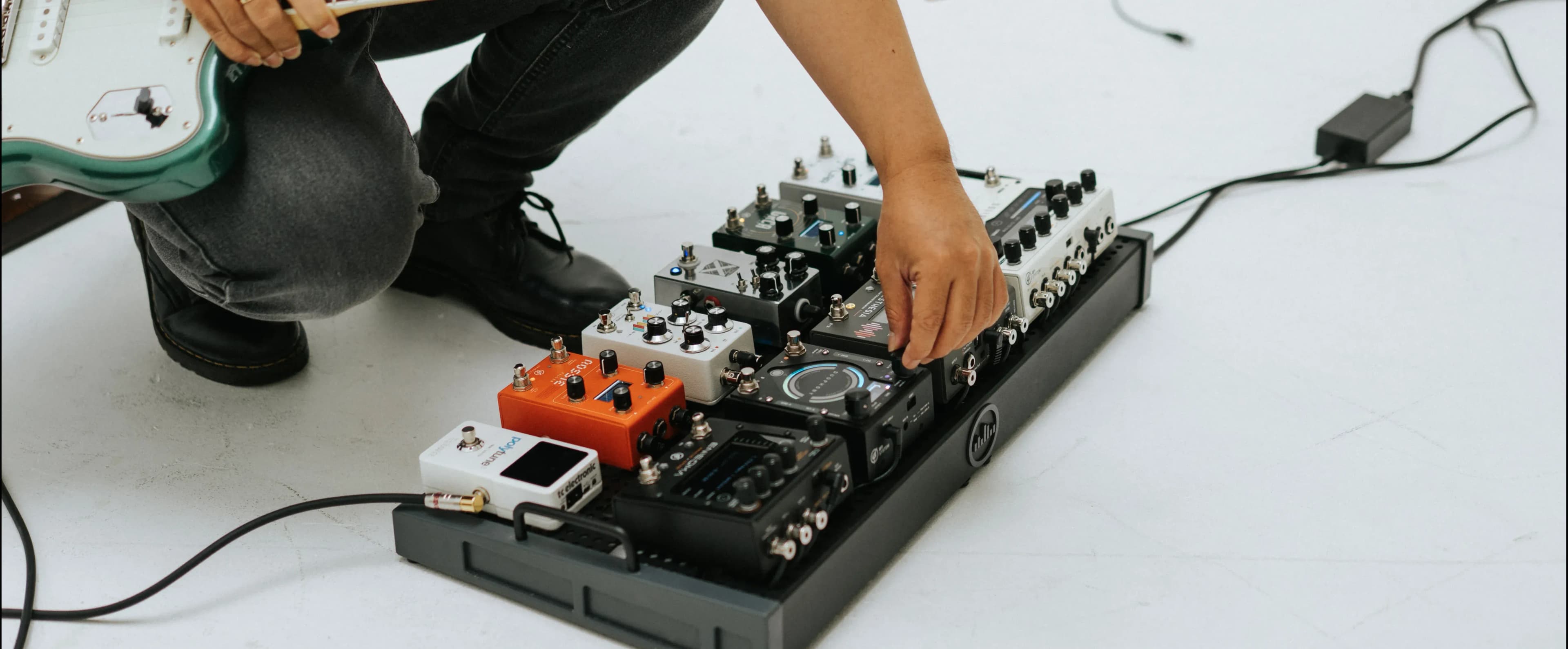
Does the Solis Ventus Require Menu Diving?
A walkthrough of the user manual to address the common question about the Solis Ventus interface and controls. A tour, if you will.
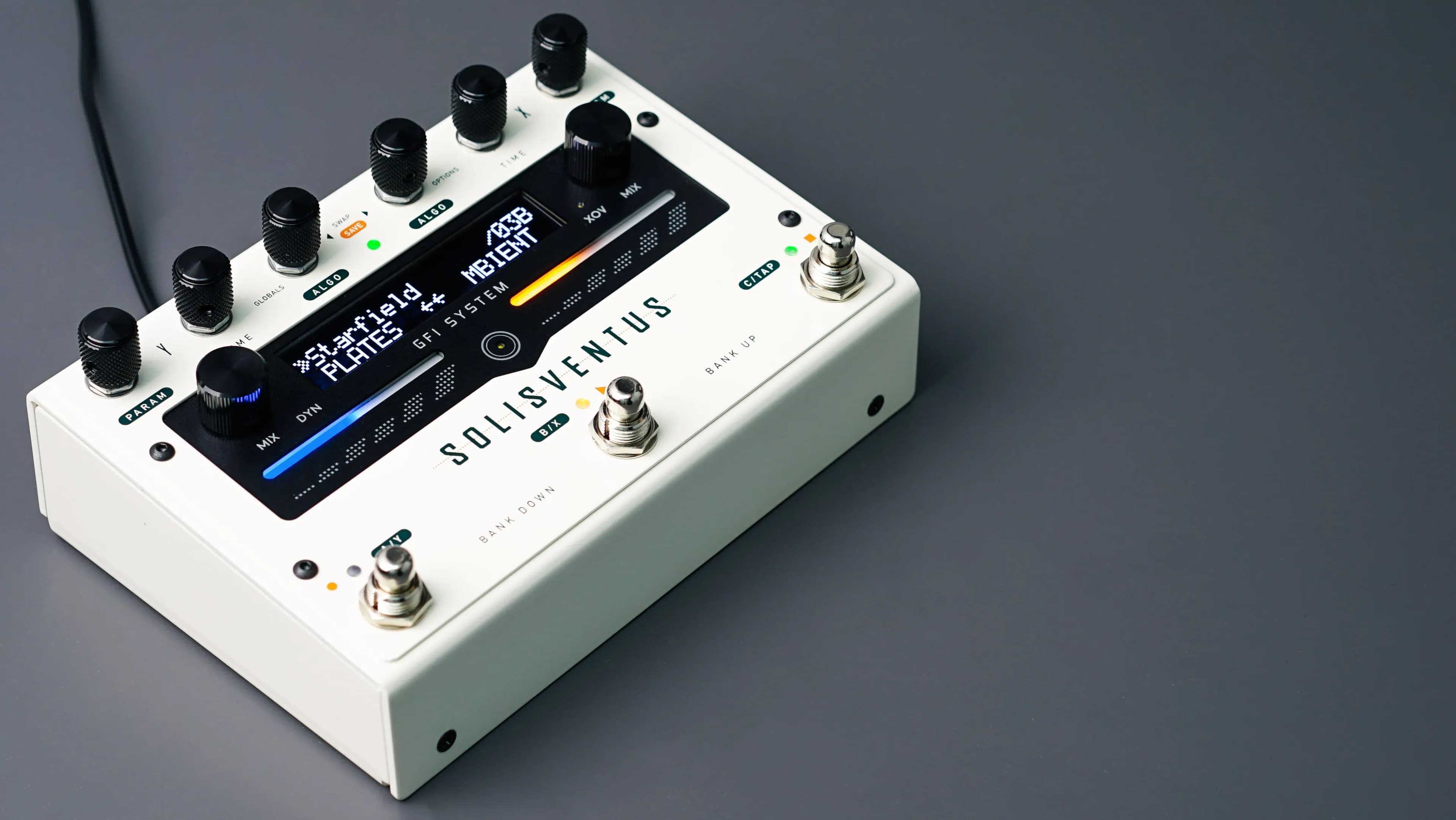
Solis Ventus Algorithm FAQ
Our best take to condense all common questions regarding Solis Ventus algorithms in comparison to the Solis Ventus.
Newsletter Subscription
Subscribe for the latest news and updates on new pedals, restocks, voucher code and more.